The Context7 MCP server gives your AI coding assistant current, version-specific documentation and code examples for thousands of libraries, so it stops guessing from old training data. MCPifex hosts it for you: one URL works in Claude Code, Cursor, Claude and ChatGPT, nothing runs on your machine, and you do not need a Context7 key to start.
What does it look like in practice?
Say you are on Next.js 16 and ask Claude Code:
"How do I add middleware that redirects signed-out users in Next.js 16? Check the Next.js 16 docs first."
Claude calls resolve-library-id to find the Next.js library and its versions, then query-docs on the version you named. It answers with code taken from those docs, not from whatever Next.js looked like when the model was trained. If the docs leave a gap, such as a default value or an exact type, it can open the library's source at that version with grep-code or find-symbol.
What is Context7?
Context7 is a documentation service from Upstash. It indexes library docs, code snippets and source code by version and serves them to AI agents. The MCP server is open source under the MIT license in the upstash/context7 repository. If MCP itself is new to you, start with what MCP is.
Which tools does the Context7 MCP server include?
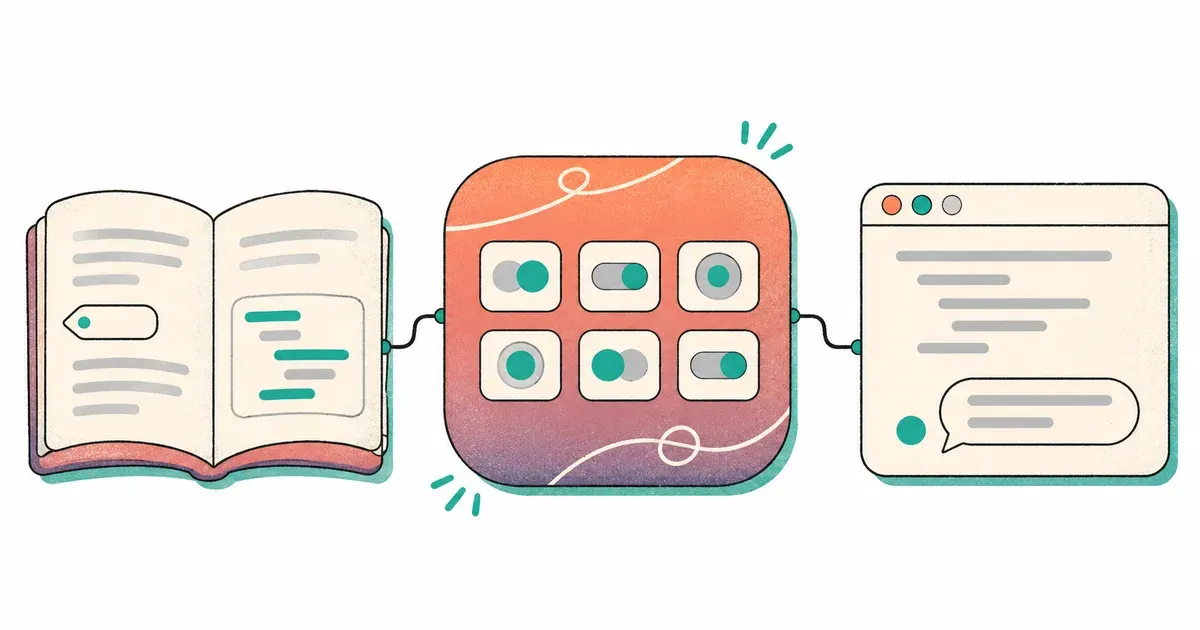
There are 8 tools. Seven only read and are on by default. The feedback tool sends data to Context7, so it starts off.
| Tool | Default | What it does |
|---|---|---|
resolve-library-id | On | Turns a package or product name into a Context7 library ID, with its available versions. |
query-docs | On | Returns up-to-date docs and code examples for one question about a library, optionally at a specific version. |
get-upgrade-guide | On | Lists breaking changes, deprecations, codemods and migration steps between two versions of a library. |
grep-code | On | Searches the contents of a library's source files at the version its docs describe. |
glob-code | On | Finds files in a library's source by name pattern. |
read-code | On | Reads one file from a library's source. |
find-symbol | On | Finds where a symbol is defined or used, or outlines a library's exported API. |
submit-docs-feedback | Off | Sends Context7 a score and a short comment on docs it returned. |
Tools are set per API key. A key can only call the tools switched on for it, and the gateway hides the rest from the AI. API keys and authentication shows the tool picker.
What can you ask it?
- "Using the React 19 docs, show me how to use the
usehook with a promise." - "What breaks when I upgrade Tailwind CSS from v3 to v4? List the codemods first."
- "Find the default timeout in the Prisma client source for the version we use."
- "Outline the exported API of the zod package."
- "Write a Supabase row-level security policy for a multi-tenant table, from the current docs."
Many people add a line such as "use context7" to a prompt, or to their project rules, so the assistant checks the docs before it writes library code.
Do you need a Context7 API key?
No, the key is optional. Leave the Context7 API key field blank and the server uses a shared key on Context7's free plan. That shared key has a limited request budget for everyone who leaves the field blank. When the budget runs out, Context7 answers with HTTP 429 (too many requests) until it resets, and your AI sees that as a tool error.
If you use it every day or across a team, add your own key. Create one in the Context7 dashboard (it starts with ctx7sk) and paste it into the field. Your calls then count against your own Context7 plan only. The key is stored encrypted, masked in the portal, and never shown to the AI.
How do you set it up?
- Create a free account. Context7 works on the Free plan, which has 3 instances and needs no card.
- Pick Context7 in the marketplace and name the instance. Paste your own Context7 key if you have one, or leave it blank.
- Click Test connection, then create an API key. It starts with
mcpx_. - Add the gateway URL
https://mcp.mcpifex.com/mcpto your AI app, as shown below.
Claude Code
claude mcp add mcpifex --transport http https://mcp.mcpifex.com/mcp \
  --header "Authorization: Bearer <YOUR_API_KEY>"
Cursor
Add this to .cursor/mcp.json in your project, or to Cursor's global mcp.json, then reload Cursor:
{
  "mcpServers": {
    "mcpifex": {
      "type": "http",
      "url": "https://mcp.mcpifex.com/mcp",
      "headers": {
        "Authorization": "Bearer <YOUR_API_KEY>"
      }
    }
  }
}
Claude and ChatGPT
In Claude, add a custom connector; connect Claude has the steps. ChatGPT's custom MCP form has no header field, so the key goes in the URL: https://mcp.mcpifex.com/mcp/<YOUR_API_KEY>. Treat that URL like a password. Connect an MCP server to ChatGPT walks through it.
Hosted or self-hosted Context7?
You can run the open-source server yourself with Node, either as a local process or through Context7's own remote endpoint. That is a good fit if you only need it in one editor on one machine.
The hosted version fits when you want the same docs tools in several clients at once, next to your other MCP servers, behind one URL with per-key tool control and a log of every call. Plans limit instances, not calls; see pricing. Hosted vs self-hosted MCP compares the two in more depth.
Good to know
- Public docs only. The shared key sees public libraries. Private repositories need your own Context7 key and plan.
- Queries leave your machine. Your questions are sent to Context7 to find the right docs. Do not paste secrets or private code into them.
- Results are third-party content. Docs come from library maintainers and Context7's index. Your AI treats them as data, and you should still review the code it writes.
- Upgrade guides can take a moment. The first request for a new version pair may take a few minutes while Context7 prepares it. Ask again after the time it gives.
Frequently asked questions
It is an MCP server from Upstash that gives AI coding assistants current, version-specific documentation, code examples and source search for thousands of libraries. MCPifex hosts it, so you add one URL instead of installing it.
No. Leave the field blank and a shared free-plan key is used. That key has a limited request budget, and Context7 answers 429 when it runs out. For heavy or team use, add your own key from the Context7 dashboard.
Yes. It works in Claude Code, Cursor, Claude, ChatGPT and any MCP client that supports remote servers, through the same MCPifex URL and API key.
The shared key's request budget ran out, or your own Context7 plan hit its limit. Wait and try again, or add your own Context7 key to the instance so your calls use your own quota.
Seven of the eight tools only read docs and source code. The eighth, submit-docs-feedback, sends a rating to Context7 and is off until you switch it on for an API key.
Run this server through MCPifex
Run hosted MCP servers behind one endpoint and choose exactly which tools your AI can use.
Related reading
How to Add an MCP Server to Claude Code (claude mcp add)
Claude Code MCP setup: run claude mcp add for remote HTTP or stdio servers, set scopes and .mcp.json, pass auth headers, and fix connection errors.
Read more →
Cursor MCP: How to Add an MCP Server (mcp.json Guide)
Cursor MCP setup in one file: mcp.json global vs project, remote servers with headers, stdio, tool approval, troubleshooting, and hosted servers to add.
Read more →
Best MCP Servers in 2026: 18 Picks by Use Case
The best MCP servers in 2026, 18 picks by use case: GitHub, Playwright, Postgres, Notion, Search Console and more, with links and a safety checklist.
Read more →